All products
Portable Windows app · one-time purchase

Know what’s in stock. Keep your data close.

A straightforward inventory tracker for shopkeepers and small businesses. Record stock in and out, spot low stock, and check your inventory value—offline, on your Windows computer, with no recurring software fee.

Windows 10 & 11 · 64-bitOffline useNo subscription
Request to buy · ₹1,000No payment on this form. We’ll contact you with payment details.
Local SQLite dataUp to 2 devicesEmail & WhatsApp support
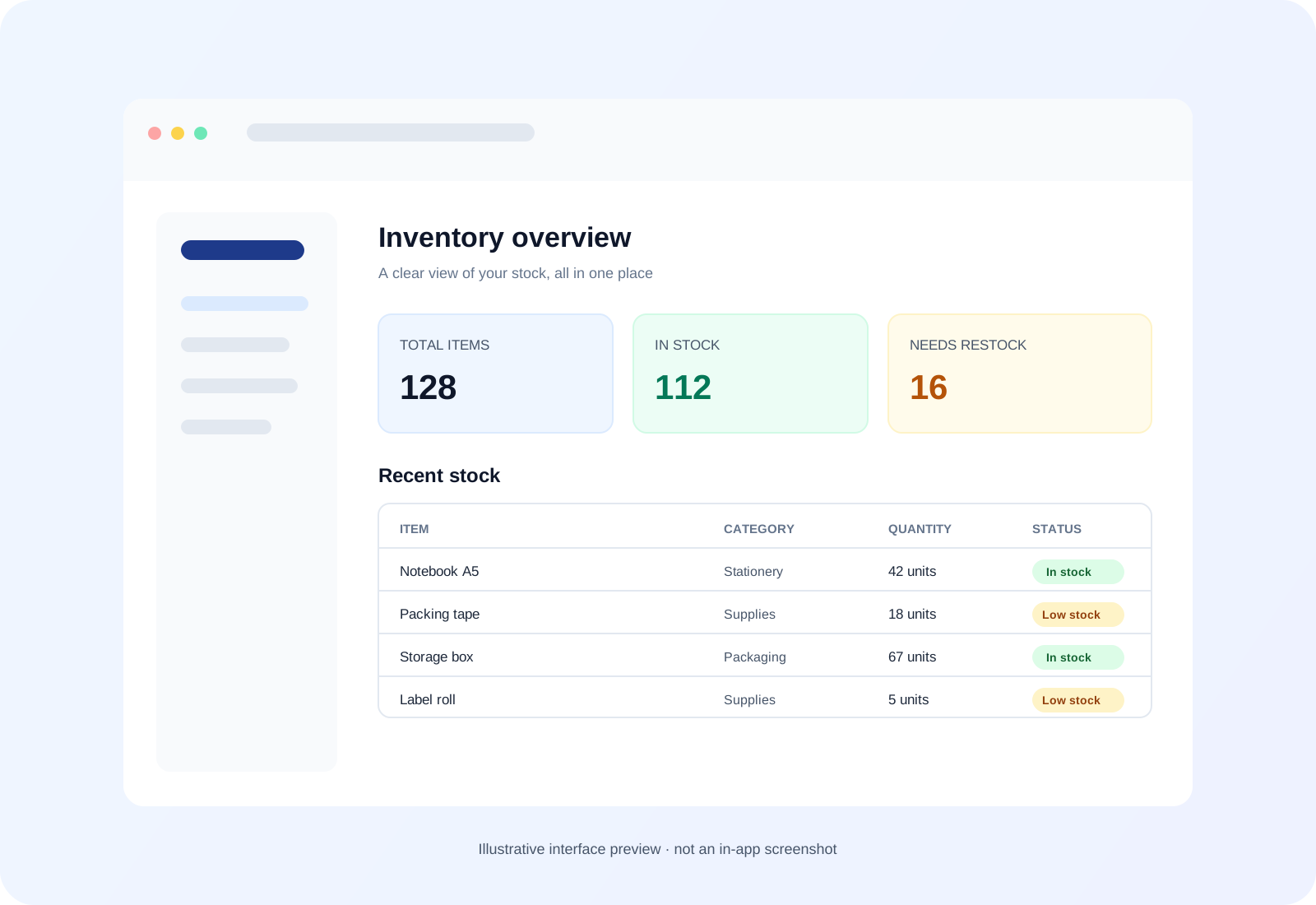
Illustrative Inventory Tracker dashboard preview with stock totals, inventory rows, and low-stock indicators
Illustrative interface preview. The included app has the features described on this page.

Why use a dedicated desktop app?

A clearer home for your day-to-day stock records.

Compare spreadsheets, cloud sheets, browser storage, and a dedicated offline app. Each option has trade-offs; choose the workflow that fits your business.

Excel files

.xlsx spreadsheets

  • Data & storage

    Formulas and cell references can be changed accidentally. File safety depends on where and how you save backups.

  • Internet & access

    Desktop spreadsheets can work offline. Files are flexible and easy to share.

  • Recovery & backups

    Keeping track of the latest copy and restoring edits depends on your backup or version-history setup.

  • Daily workflow

    Highly customizable, though changing formulas and layouts can take spreadsheet know-how.

  • Cost

    Office access may require a paid Microsoft 365 plan or license, depending on your setup.
Google Sheets

Cloud spreadsheet

  • Data & storage

    Files are associated with your Google account. Review account access and sharing settings for your needs.

  • Internet & access

    Cloud collaboration uses internet. Offline editing is available when configured and supported on your device.

  • Recovery & backups

    Sharing and version history can help teams review or restore changes.

  • Daily workflow

    Flexible for collaboration, but stock updates still happen in a spreadsheet grid and browser workspace.

  • Cost

    Availability, storage, and plan details depend on your Google account and current offering.

Browser-based apps

HTML / JavaScript with browser storage

  • Data & storage

    If an app stores data in LocalStorage, it stays in that browser profile. Clearing that site’s browser data may remove it; behavior varies by app.

  • Internet & access

    Offline use depends on how the app is built. Browser storage limits and behavior vary by browser.

  • Recovery & backups

    Export and recovery options depend on the app. Browser data can be lost if its profile or site data is cleared.

  • Daily workflow

    Opens in a browser. A separate desktop window or taskbar experience depends on how it is packaged.

  • Cost

    Pricing, updates, and support vary by creator; check what is included before buying.

Recommended

Inventory Tracker

Portable Wails desktop app · local SQLite

  • Data & storage

    Stores records in a local SQLite database in the app folder. Browser cache clearing does not affect this database.

  • Internet & access

    Works offline on supported Windows 10 and 11 (64-bit) computers.

  • Recovery & backups

    Manually export a .db or .json file, or choose a backup folder in Settings. Backups are not automatic.

  • Daily workflow

    Dedicated app with stock-in/out forms, categories, low-stock alerts, valuation, and dark/light mode. Single-user; no live cloud editing.

  • Cost

    ₹1,000 one-time. No recurring subscription.

Request Inventory Tracker · ₹1,000

No spreadsheet formulas to maintain · No browser storage · Works offline

Comparison notes describe typical workflows; features and behavior vary by software, configuration, and backup settings.

See what’s inside

A quick look around the app.

Explore illustrative previews of the dashboard, stock movement form, and dark theme. They explain the included workflows and are not screenshots of the running app.

Illustrative inventory dashboard preview

Inventory dashboard

Overview of items, stock levels, low-stock alerts, and valuation.

Illustrative preview · not an app screenshot

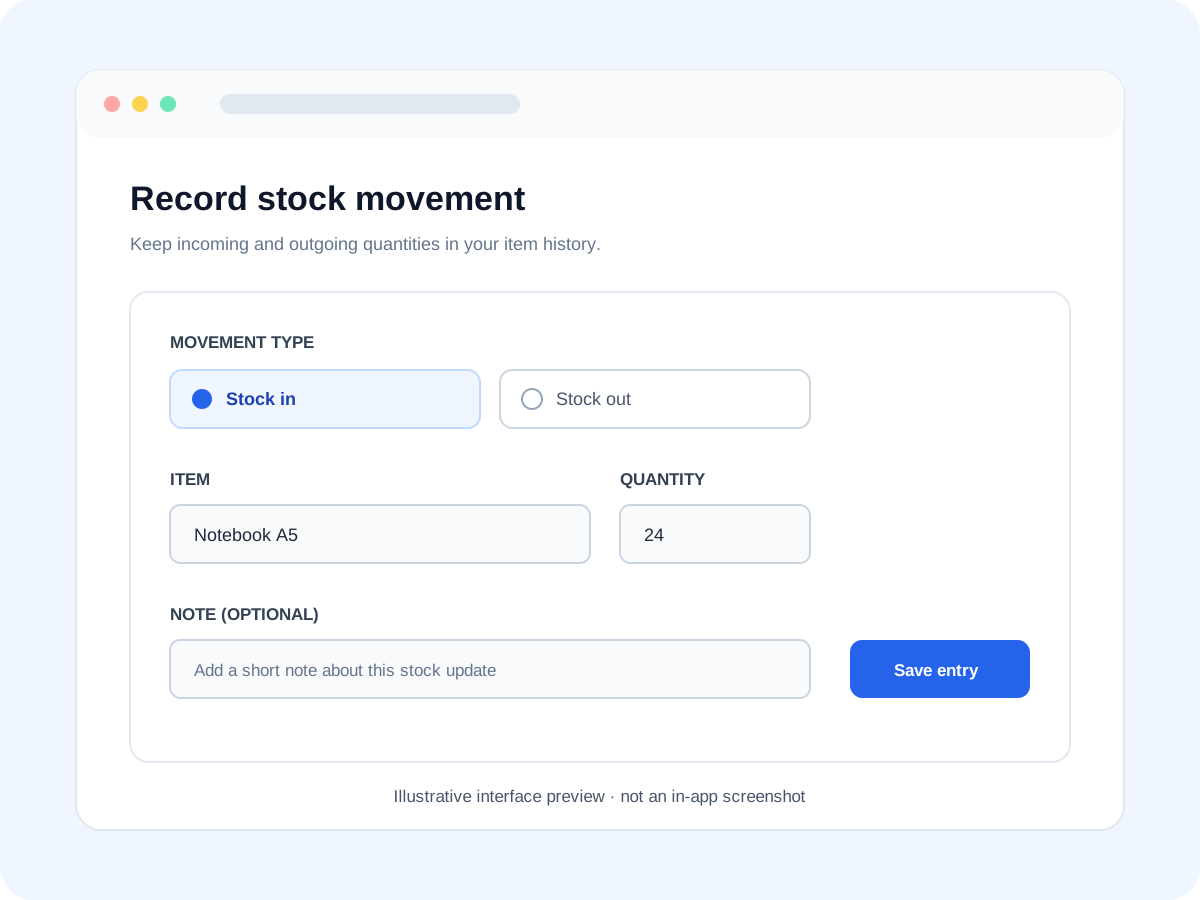
Illustrative stock movement form preview

Stock in and out

A focused form concept for recording incoming and outgoing stock.

Illustrative preview · not an app screenshot

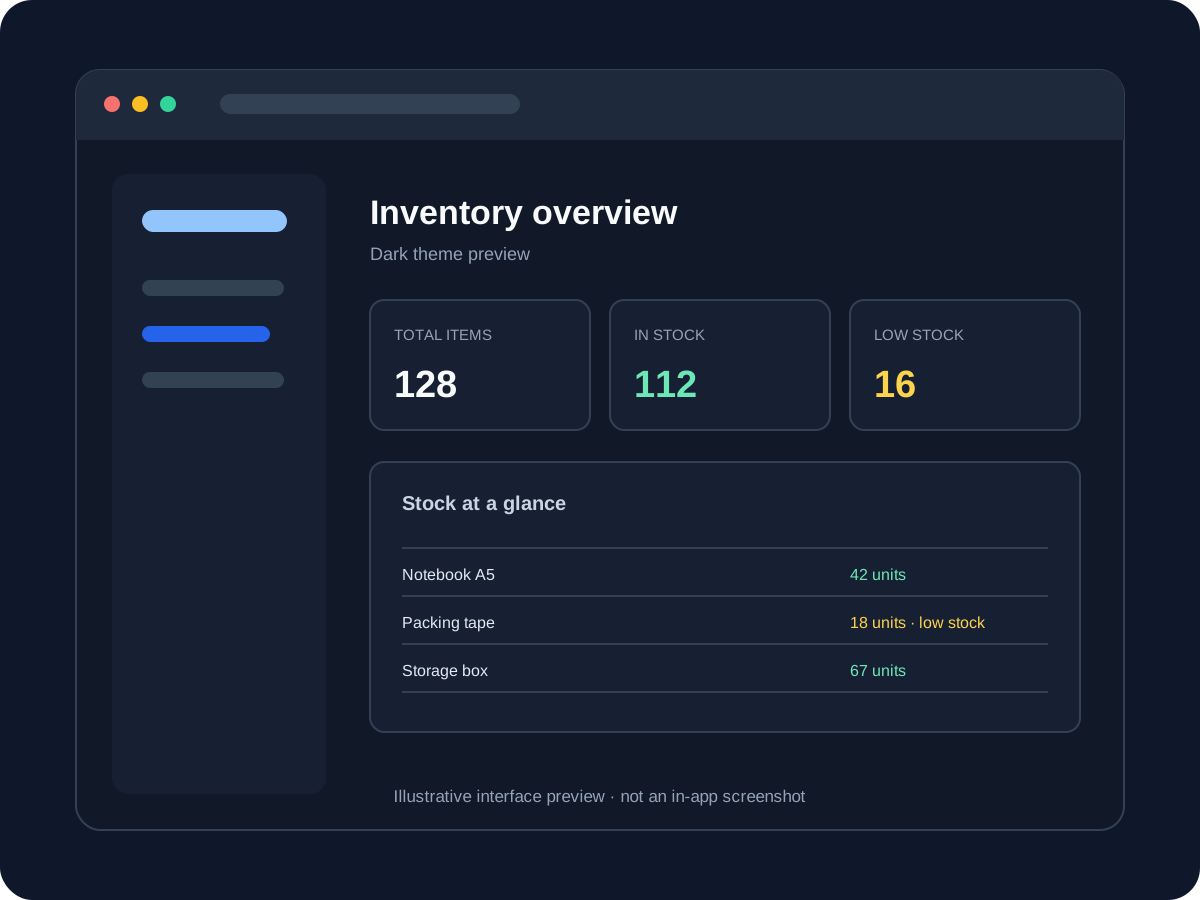
Illustrative dark mode inventory dashboard preview

Dark mode

An illustrative view of the app’s dark theme and stock summary.

Illustrative preview · not an app screenshot

Made for everyday stock work

The essentials, without a monthly plan.

01

Record every stock movement

Log stock coming in and going out, and keep item categories and quantities together in one desktop app.

02

Know what needs attention

Visual low-stock alerts help you spot items that may need replenishing. See your total inventory valuation in the app.

03

Work in your own space

Inventory data stays in a local SQLite database on your computer. The app works offline and has no cloud account or monthly plan.

04

Back up when you choose

Export a .db or .json file, or select a backup folder on your device. You can choose a locally synced Google Drive or OneDrive folder if you already use one.

Your purchase

Everything you need to get started.

  • Portable Windows app
    A ZIP package with the standalone app executable.
  • Quick-start PDF
    READ_FIRST_Quick_Start.pdf with setup steps and a Windows security prompt guide.
  • Pre-loaded sample data
    Explore the app’s workflow as soon as you open it.
  • Direct setup support
    Get help over email or WhatsApp if you need a hand.
Compatibility & data

Built for your Windows desktop.

Supported system
Windows 10 or 11, 64-bit. This is the supported platform for the current launch.
Portable & offline
No installation wizard or internet connection is needed for normal use.
Local database
Inventory records are stored locally in a SQLite database in the app folder.
Manual backups
Export a .db or .json file, or choose a backup folder. Cloud-synced folders work only if you already have them set up.

One-time purchase

Take stock of your inventory.

Send a request and we’ll contact you with payment details. After payment is confirmed, your download is delivered directly to you.

Price

₹1,000

One-time payment · no subscription

Licence

1 person, 2 devices

Payment: UPI or bank transfer instructions sent after you request to buy.

Delivery: ZIP and PDF sent by email or WhatsApp within 2–4 hours after payment confirmation.

Priced in Indian rupees. International payment is not currently available through this order flow.

License & digital purchase terms

One buyer may use the app for one business on up to two devices they own. Copying, reselling, or distributing the software files is not allowed. After the ZIP is delivered or downloaded, our policy is no refunds. If the app has a technical problem on supported Windows, contact us for one-to-one support or a replacement build where needed.

Request to buy

Share your details and we’ll send the next steps. This form does not take payment.

This opens WhatsApp or your mail app with the details already filled in. Nothing is sent until you press send there. No payment is taken here.

Before you order

Frequently asked questions

Which computers are supported?

Windows 10 and Windows 11 computers with 64-bit Windows. macOS is in testing and is not supported yet.

Does it need internet or installation?

The Windows app is delivered as a portable ZIP, does not need an installation wizard, and works offline. Internet access is only needed if you choose to store a backup folder in a cloud-synced location.

Where is my inventory data stored?

The app saves its SQLite database locally in the app folder. It does not provide multi-user live cloud editing or automatic cloud sync.

Can I use it for my business and on more than one device?

Yes. The purchase includes one license for one person and their business, usable on up to two devices owned by that buyer. You may not copy, resell, or distribute the app files.

How does ordering and delivery work?

Submit the request form with your contact details. We will send UPI or bank transfer payment details by email or WhatsApp. After payment is confirmed, we send the ZIP and quick-start PDF within 2–4 hours.

What if Windows shows a security prompt?

Windows SmartScreen may show a warning for independently distributed apps, depending on the device and app reputation. The included quick-start PDF explains the prompt. Only open the app file you received from ARS, and contact us if you want help.

What if the app does not run or has a technical issue?

If it fails on a supported Windows 10 or 11 system or you encounter a technical bug, contact us by email or WhatsApp. We will provide one-to-one help and, if needed, a replacement build.

What is the refund policy?

Because this is a digital product, our policy is no refunds after the ZIP has been delivered or downloaded. If a supported system has a technical issue, we will help troubleshoot it or provide a replacement build where needed.

Ready when you are

Bring your stock records into one clear view.

One-time price ₹1,000 · Windows 10 & 11

Request to buy